CoreviaFlowCOREVIAFLOWDIGITAL PROJECT COMPANY Leave a request
EN UA RU
E-commerce platformsUS

Etsy integration & automation

Orders from your Etsy shop appear in the CRM as soon as they are paid, the shipping mark with the tracking number goes back to Etsy, and stock by variant stays in step with your warehouse.

Etsy is where makers and small brands sell handmade goods, vintage and craft supplies to buyers around the world. The shop manager inside Etsy does its job, but once the same maker also sells from their own site, answers messages and packs parcels, orders end up scattered across several screens. The connection brings every paid Etsy order into the CRM as a deal, keeps the order status in your pipeline, sends the carrier and tracking number back to Etsy when the parcel is shipped, and keeps the stock of each product variant in line with what the warehouse actually has. One honest note before you start: Etsy has to approve the application that connects to shops, and buyer contact details are not opened to every application — more on that below.

What we connect

  • We start with the application's standing at Etsy, because nothing works without it: the access key of an application is not active until Etsy has approved that application. If the connection is for your own shop only, it is registered as an application for your shop; if it must connect several sellers' shops, Etsy reviews the request by hand and does not fix a date. We say honestly where this stands before anything else is touched.
  • The shop owner gives permission: you sign in to Etsy and allow the connection to see only the sections we agree on — orders, products and the shop itself. The connection cannot reach anything outside those sections.
  • We map the Etsy order (Etsy calls it a receipt) to a deal: items and their variants to CRM products, the order status — open, paid, payment in processing, shipped, cancelled — to a pipeline stage, the buyer's name to a client card. Which contact fields arrive depends on the application's status at Etsy, so on the first orders we check what actually comes through.
  • Etsy itself sends a notification the moment an order is paid, cancelled by the seller, shipped or delivered, so the deal appears without anyone checking Etsy; each notification is signed, and if our side is briefly unavailable, Etsy sends it again. Once a day the connection also re-reads the shop's orders for the day — filtered by date, paid and shipped — to catch anything missed.
  • We agree the way back: when the warehouse marks the order shipped in the CRM, the connection passes the carrier and the tracking number to Etsy, and the buyer receives Etsy's own shipping notification; when stock changes in the CRM, the available quantity of the variant on Etsy follows. Shipping labels stay with you: Etsy does not open their purchase to outside applications, so you buy and print them in Etsy as before.

Automation scenarios

01

A paid Etsy order becomes a deal before you open Etsy

Before the maker opens the Etsy shop manager several times a day, copies the order lines and the buyer's name into a spreadsheet or the CRM by hand, and an evening order waits until morning.

After Etsy sends a notification the moment the order is paid, a deal with all lines appears in the CRM, and the warehouse sees the picking list at the same minute.

02

'Shipped' is entered once, and the buyer hears it from Etsy

Before the parcel is packed, the tracking number is typed into Etsy, then again into the CRM, and sometimes one of the two is forgotten.

After the warehouse marks the order shipped in the CRM with the carrier and the tracking number, the connection passes both to Etsy, and Etsy notifies the buyer itself — the deal and the shop show the same status.

03

Etsy stops selling the last unit twice

Before the same candle or bag sells on Etsy, on your own site and at weekend fairs; the quantity on Etsy is updated when someone remembers, and the last unit is sold to two people.

After the warehouse keeps the count in the CRM, and every change is written into the available quantity of that variant on Etsy, so the listing shows what is really left.

04

A cancelled order does not get packed

Before the order is cancelled in Etsy, but the printed picking list is already on the warehouse table, and the parcel goes out anyway.

After Etsy sends a notification about the cancellation, the deal in the CRM moves to the cancelled stage, and the warehouse sees it before the box is sealed. The same goes for 'shipped' and 'delivered': the pipeline shows where every order is without opening Etsy.

How it works technically

For those who want to check: each point links to the official documentation page it comes from.

  • Etsy gives outside applications an official developer interface, Etsy Open API v3, for working with stock, sales orders and shop management — it is what CRM connections are built on.

    Source: developers.etsy.com ↗ checked 2026-09-28
  • Orders (Etsy calls them receipts) are read as a list per shop and can be filtered by order number range, date, and the 'paid' and 'shipped' marks — which is what makes a regular pull of new orders into the CRM possible.

    Source: www.etsy.com ↗ checked 2026-09-28
  • An order has a clear status — open, paid (ready to ship), payment in processing, completed (shipped), cancelled — and these statuses can be reflected as stages in the CRM pipeline.

    Source: developers.etsy.com ↗ checked 2026-09-28
  • To mark an order shipped, an outside application passes the carrier and the tracking number to Etsy, after which the buyer receives Etsy's shipping notification.

    Source: developers.etsy.com ↗ checked 2026-09-28
  • Every listing carries a set of product variants, each with its own article number, price and available quantity — an outside application reads and updates stock per variant.

    Source: developers.etsy.com ↗ checked 2026-09-28
  • Etsy itself sends approved applications a notification as soon as an event happens in the shop — an order is paid, cancelled by the seller, shipped or delivered — instead of the application asking Etsy again and again; each notification is signed, and if the receiver fails, Etsy repeats the delivery.

    Source: developers.etsy.com ↗ checked 2026-09-28

Limits

The first thing to know: an application's access key does not work until Etsy has approved that application, so nothing can be switched on before the approval. An application 'for your own shop' connects only to the owner's own shop; to connect other sellers' shops, an application needs commercial access from Etsy, the request is reviewed by hand, and the review time depends on the use case — we do not promise a date. Buyer contacts are not opened to everyone: even with commercial access, the buyer's email has to be requested from Etsy separately, and the shipping address (street, city, postcode, country) is in some regions available only to applications with a special access status at Etsy — so a deal in the CRM may arrive without an email or without an address, while the buyer's name and the order lines are what you can count on. Requests are counted per application key, per day and per second; when the limit is reached Etsy answers with an error and asks to wait, so a large catalogue is synced in batches rather than all at once. Shipping labels cannot be bought through the connection: you buy and print them in Etsy as before, and the connection only passes the carrier and the tracking number.

Screenshots

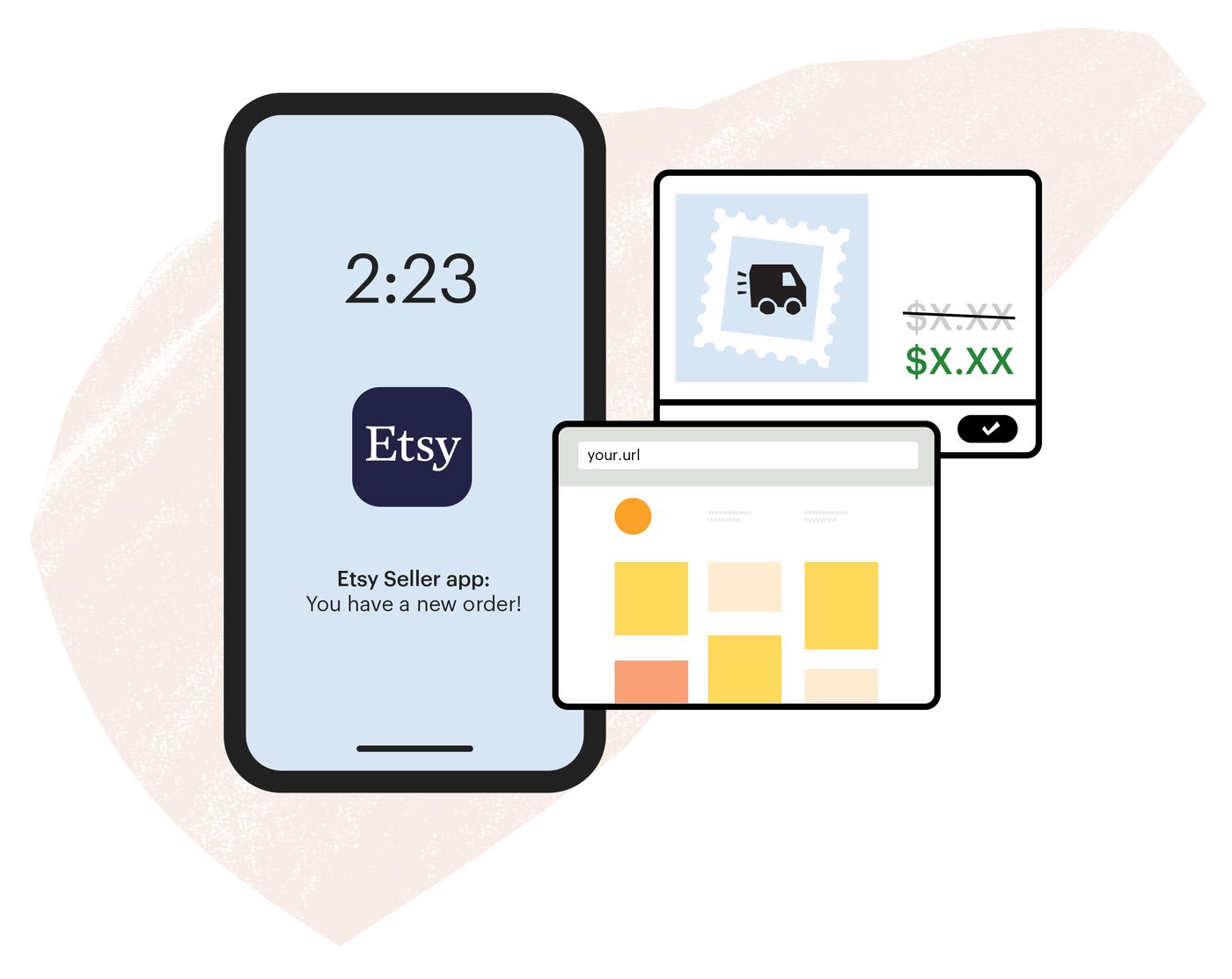
Etsy Seller app and Shop Manager on phone and desktop
Orders and listings live in Shop Manager; through the Open API the same orders can be pulled into the CRM. Source: www.etsy.com ↗
Etsy shop stats and listing screens (vendor illustration)
Shop statistics and listing editor: the data a seller sees here is what the API exposes for order and stock sync. Source: www.etsy.com ↗

How to start

Three steps from a first message to work on your project.

  1. 01

    Leave a request

    Describe the task in the form — in text or by voice. Budget and timing are optional.

  2. 02

    We review and estimate

    A developer studies the brief, asks about anything unclear and sends an estimate.

  3. 03

    We start

    Once scope and price are agreed, the work begins.

or write to info@coreviaflow.space

Questions

Do we have to get approval from Etsy ourselves?
The application that connects to the shop goes through Etsy's approval either way, and its key does not work before that. If the connection is only for your own shop, it is registered as an application for your shop. If it has to connect several sellers' shops, Etsy reviews the request for commercial access by hand. We prepare the request and describe how the data is used; the decision and the timing are Etsy's, and we say so before we start.
Will the buyer's email and address come into the CRM?
Not always, and we would rather say it upfront. The buyer's name and the order lines come through. The email is opened by Etsy only on a separate request, even for applications with commercial access. The shipping address is in some regions available only to applications with a special access status at Etsy. So the deal may arrive without an email or an address; on the first orders we check what actually comes through and agree what the manager does in that case.
Can we buy the shipping label from the CRM?
No. Etsy does not open the purchase of shipping labels to outside applications, so you buy and print them in Etsy as before. What the connection does is the step after that: when the order is marked shipped in the CRM, the carrier and the tracking number go to Etsy, and Etsy notifies the buyer.
We sell on Etsy and on our own site. Can one stock count feed both?
Yes. The CRM holds the single count, every sale from any channel reduces it, and the connection writes the new quantity into the variant on Etsy and into the other channel's connection. One thing to keep in mind: Etsy counts requests per application per day and per second, so a large catalogue is updated in batches, and a very frequent change to thousands of variants is spread over time rather than sent all at once.

Tell us what needs to be connected

Describe the task in text or a voice message. We look at your setup and reply with a plan.