CoreviaFlowCOREVIAFLOWDIGITAL PROJECT COMPANY Leave a request
EN UA RU
E-commerce platformsUS

Squarespace integration & automation

Orders from your Squarespace store become deals in the CRM the moment they are paid, stock is updated from the warehouse, and every buyer gets a client card with their full history.

Squarespace is where a lot of small brands start selling: the site looks good, the checkout works, and orders pile up in the Squarespace dashboard. The trouble begins when the same people also call, write on Instagram and come back for a second order — and nobody can see all of it in one place. The connection sends every paid order into the CRM, links it to a client card, keeps stock in Squarespace in step with your warehouse and lets the manager answer 'where is my parcel' without opening a second tab.

What we connect

  • We check the plan first: Squarespace opens its store data to outside applications only on the Commerce Advanced plan. If you are on a lower plan, this is the first decision to make, before anything else is touched.
  • The site owner creates an access key in the Squarespace settings with only the rights we need — reading orders and profiles, writing stock and shipping status. The key sees only this site, and it can be deleted from the same settings screen at any moment.
  • We map the order to the deal: products and variants to CRM products, the buyer's email and phone to the client card, the shipping address and delivery method to the deal fields, discounts and taxes to the amount lines.
  • We subscribe to Squarespace's order notifications so a new paid order reaches the CRM within seconds; the subscription does not expire, and once a day the connection also re-reads the day's orders to catch anything missed.
  • We agree the way back: when the warehouse marks the order shipped in the CRM, the connection marks it fulfilled in Squarespace and the buyer gets the store's own shipping notification; when stock changes in the CRM, the variant's quantity in the store follows.
  • We load the order history for the period you choose so the client cards are complete from day one, run a week in parallel with your old routine, compare, and then switch the routine off.

Automation scenarios

01

A paid order is a deal before the manager reads the email

Before Squarespace sends an email about a new order, the manager copies the name and address into the CRM by hand, and evening orders wait until morning.

After the order appears in the CRM as a deal with all lines, the buyer's card is created or found by email, and the warehouse sees the picking list at the same second the payment goes through.

02

The store stops selling what the warehouse no longer has

Before the same goods sell on the site, on a marketplace and from a showroom; stock in Squarespace is updated once a week and the last unit is sold twice.

After the warehouse keeps stock in the CRM, and every change is written into the variant quantity in Squarespace within a minute, so the site shows 'sold out' the moment it is true.

03

'Where is my order?' is answered from one card

Before the buyer writes on Instagram, the manager searches Squarespace by email, then the courier's site by tracking number, then replies ten minutes later.

After the client card in the CRM shows all their orders, the shipping status and the tracking number in one screen, and the reply takes the time it takes to type it.

04

Repeat buyers get a second touch

Before a person who bought three times is just three rows in the Squarespace order list.

After the client card in the CRM counts orders and the total, the CRM tags the buyer as 'regular' after the second order, and the manager sees the whole history and the marketing consent before offering anything new.


How it works technically

For those who want to check: each point links to the official documentation page it comes from.

  • Squarespace gives outside applications an official way to manage the commerce side of a merchant site: orders, products, stock, contacts, discounts and transactions.

    Source: developers.squarespace.com ↗ checked 2026-09-28
  • Orders can be filtered by customer, imported from other sales channels, marked as fulfilled and made to send the store's own shipment notification — which is how the 'shipped' mark travels from the CRM back to the buyer.

    Source: developers.squarespace.com ↗ checked 2026-09-28
  • Stock for product variants can be read and adjusted from outside, so the warehouse count in the CRM can drive what the site shows as available.

    Source: developers.squarespace.com ↗ checked 2026-09-28
  • Instead of asking Squarespace again and again, an application can subscribe to notifications about events such as a new order; every notification is signed so its origin can be verified, and the subscriptions never expire.

    Source: developers.squarespace.com ↗ checked 2026-09-28
  • Contacts — customers, subscribers and donors, with their address books and marketing preferences — are available to outside applications, which is what makes a proper client card in the CRM possible.

    Source: developers.squarespace.com ↗ checked 2026-09-28

Limits

An access key for your own application is issued only on the Commerce Advanced plan; on lower plans Squarespace does not open store data to outside applications, and no connection can change that. The key sees only the site it was issued for, with the rights chosen at creation — reading and writing are granted separately for orders, products, stock and profiles. Event notifications are available only to applications registered with Squarespace, not to a plain key, so that part is set up through a registered application. Submissions from site forms are not readable directly — Squarespace opens them only to Zapier — so a contact form on the site goes to the CRM through that route. Donations do not appear in the order list, only among transactions. For orders paid in instalments the 'new order' notification arrives only when the last instalment is paid, and stock is tracked only for physical goods and services, not for gift cards or downloads.

Screenshots

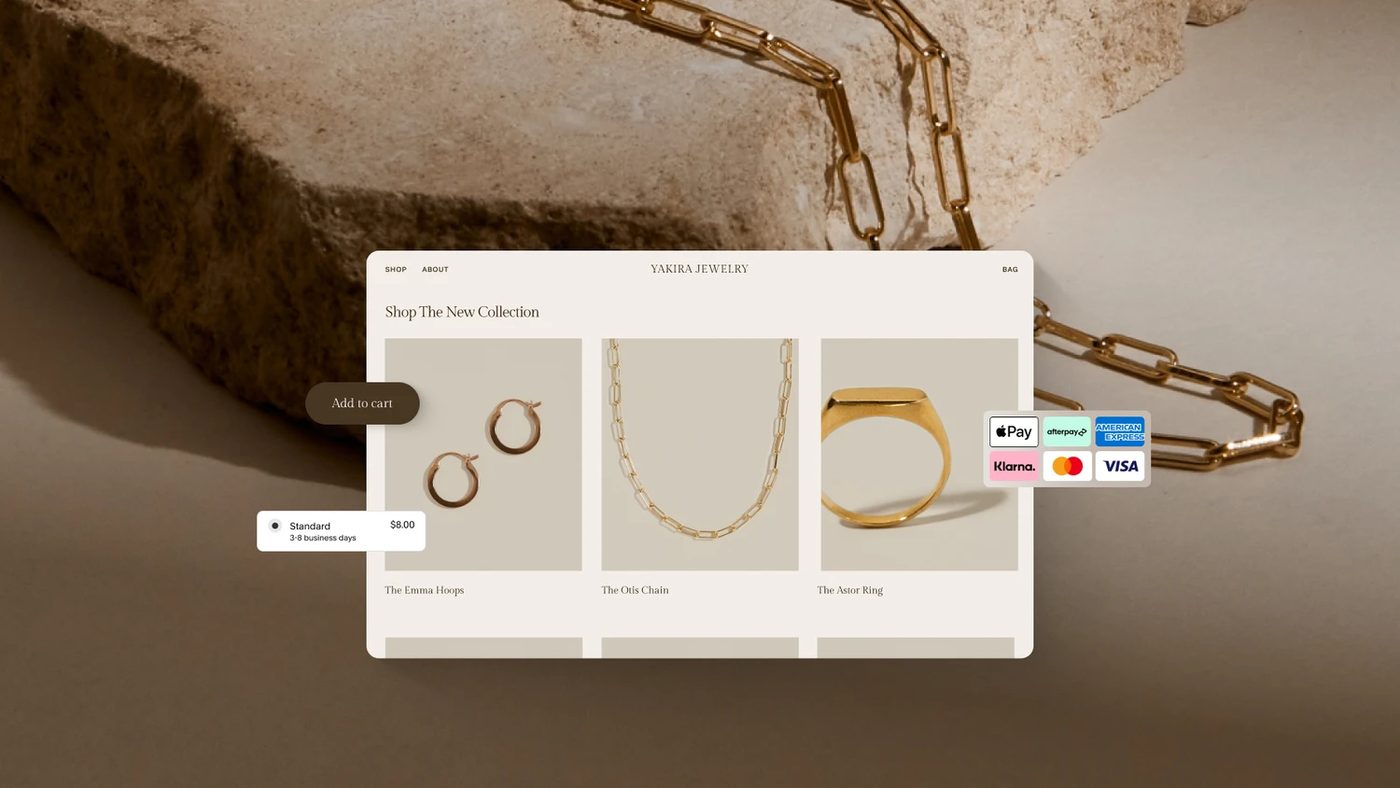
Squarespace online store product page with checkout buttons
A Squarespace store product page: every paid order here becomes a deal in the CRM. Source: www.squarespace.com ↗
Squarespace store shown on a laptop and a phone
The same store on desktop and phone; stock and shipping status flow between it and the CRM. Source: www.squarespace.com ↗

How to start

Three steps from a first message to work on your project.

  1. 01

    Leave a request

    Describe the task in the form — in text or by voice. Budget and timing are optional.

  2. 02

    We review and estimate

    A developer studies the brief, asks about anything unclear and sends an estimate.

  3. 03

    We start

    Once scope and price are agreed, the work begins.

or write to info@coreviaflow.space

Questions

We are on the Business plan. Can you still connect the store?
Not directly: Squarespace issues the access key only on Commerce Advanced. Until you move, the only route for orders is the email notifications, which is slower and less reliable, so we would rather be honest about it before starting than build a workaround.
Will the buyer get two shipping emails — one from you and one from Squarespace?
No. The CRM marks the order fulfilled in Squarespace and lets the store send its usual notification, with your branding and the tracking number. The CRM itself does not write to the buyer unless you set up a separate message and approve its text.
Our contact form on the site — will its submissions reach the CRM too?
Yes, but by a different road: Squarespace opens form submissions only to Zapier, so the form goes to the CRM through a Zapier step, while orders go directly. From the manager's side both arrive as leads in the same CRM.
We sell on Squarespace and on a marketplace. Can both feed one stock?
Yes — that is the usual reason to do this. The CRM holds the single stock count, every sale from any channel reduces it, and the connection pushes the new quantity to Squarespace and to the other channel's connection, so no channel sells what another has already taken.

Tell us what needs to be connected

Describe the task in text or a voice message. We look at your setup and reply with a plan.