An order is ready to ship
Before someone retypes the client's address into Ukrposhta's system by hand to create a label.
After the label is generated straight from the order already on file, and only needs to be printed and attached.
 Warehouse & DeliveryUA
Delivery status that updates the order on its own, from drop-off to the client's door
Ukrposhta moves the parcel, but the order in your system doesn't know that on its own. We connect shipment data and delivery status to your CRM or store, so a label gets generated from the order details already on file, and a status change — picked up, in transit, delivered — updates the order without anyone checking a tracking page by hand. Getting this working takes a signed agreement with Ukrposhta first, and we handle that step too.
Before someone retypes the client's address into Ukrposhta's system by hand to create a label.
After the label is generated straight from the order already on file, and only needs to be printed and attached.
Before a manager opens a separate tracking page to check whether it's moved.
After the status updates the order automatically, so the whole team sees it in one place.
Before expecting to see it through the automated connection and not finding it there.
After knowing in advance that shipments made through the personal account stay visible only there, so the team checks the right place.
Before assuming a simple sign-up form is enough, as with most services.
After knowing a signed agreement comes first, then the account manager issues the credentials — and having both steps handled as part of the setup.
For those who want to check: each point links to the official documentation page it comes from.
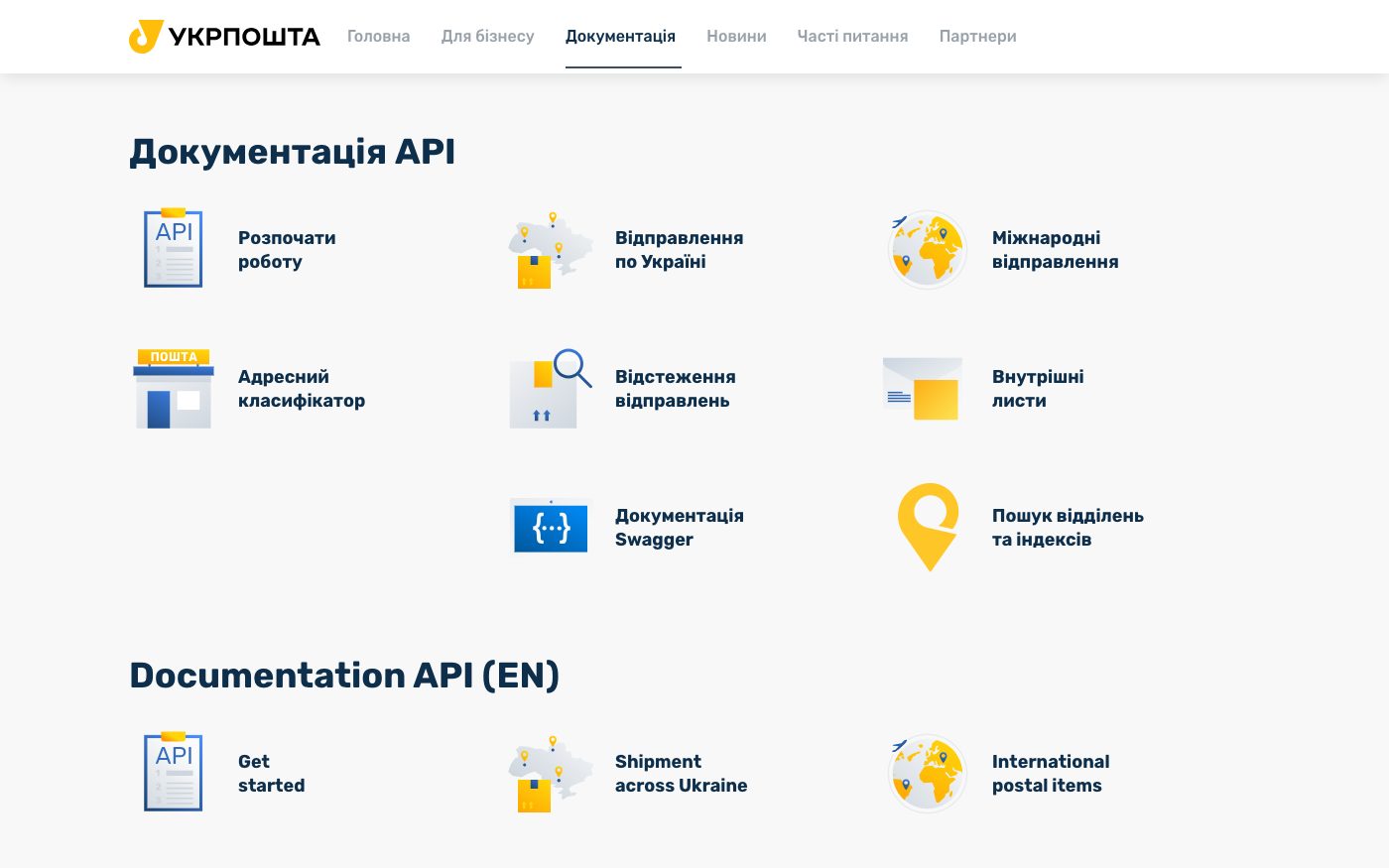
Ukrposhta runs a separate developer portal with documentation covering the address directory, shipment tracking and internal mail.
Source: dev.ukrposhta.ua ↗ checked 2026-09-25To send a parcel through the connection, the shipment details go into the client's own record-keeping system first; Ukrposhta's side then calculates the cost and generates the shipping label, which still needs to be printed and attached by hand.
Source: dev.ukrposhta.ua ↗ checked 2026-09-25Access credentials are issued only after a contract is signed, by the client's personal account manager — not through instant self-registration.
Source: dev.ukrposhta.ua ↗ checked 2026-09-25Shipment data created through the personal online account can only be retrieved back through that same personal account, not through the automated connection.
Source: dev.ukrposhta.ua ↗ checked 2026-09-25Using the separate status-tracking service needs its own additional access key, also issued by the personal account manager.
Source: dev.ukrposhta.ua ↗ checked 2026-09-25Getting full access isn't instant self-signup — credentials are issued only after a contract is signed, by the client's personal account manager, and the status-tracking service needs its own separate key from the same manager.
Three steps from a first message to work on your project.
Describe the task in the form — in text or by voice. Budget and timing are optional.
A developer studies the brief, asks about anything unclear and sends an estimate.
Once scope and price are agreed, the work begins.
or write to info@coreviaflow.space
Describe the task in text or a voice message. We look at your setup and reply with a plan.
Four services people come to us for most often. Each page explains what we do, how the work goes and where to start.
Choose the system, set up the pipeline, migrate data, train the team.
Learn more →Accounting, telephony, website, payments and messengers feed the CRM on their own.
Learn more →Orders, requests and answers around the clock, straight into your CRM.
Learn more →Flows between CRM, email, spreadsheets, payments and AI, on your own server.
Learn more → CRMUA
CRMUAUkrainian CRM that pulls orders from your site, marketplaces and chat apps into one pipeline
See scenarios → CRMUA
CRMUAThe CRM built for order-taking: every lead from every channel lands in one place on its own
See scenarios → Payments & POSUA
Card, Privat24, Apple Pay and Google Pay — every payment method on one checkout page
See scenarios → Payments & POSUA
Card payments that connect straight to the Checkbox cash register, plus 50+ ready platform connections
See scenarios → Payments & POSUA
The cash register that sends the receipt to the tax office the moment payment goes through
See scenarios → E-commerce platformsUS
Orders from your Shopify store flow into your CRM, delivery and mailing on their own
See scenarios →Implementation · Development · Integrations →
Укрпошта is a trademark of its owner. CoreviaFlow is not affiliated with it unless stated otherwise. Screenshots are taken from public vendor materials; the source is shown under each one.