
An incoming call reaches a sales manager
Before the manager doesn't know who's calling until they pick up.
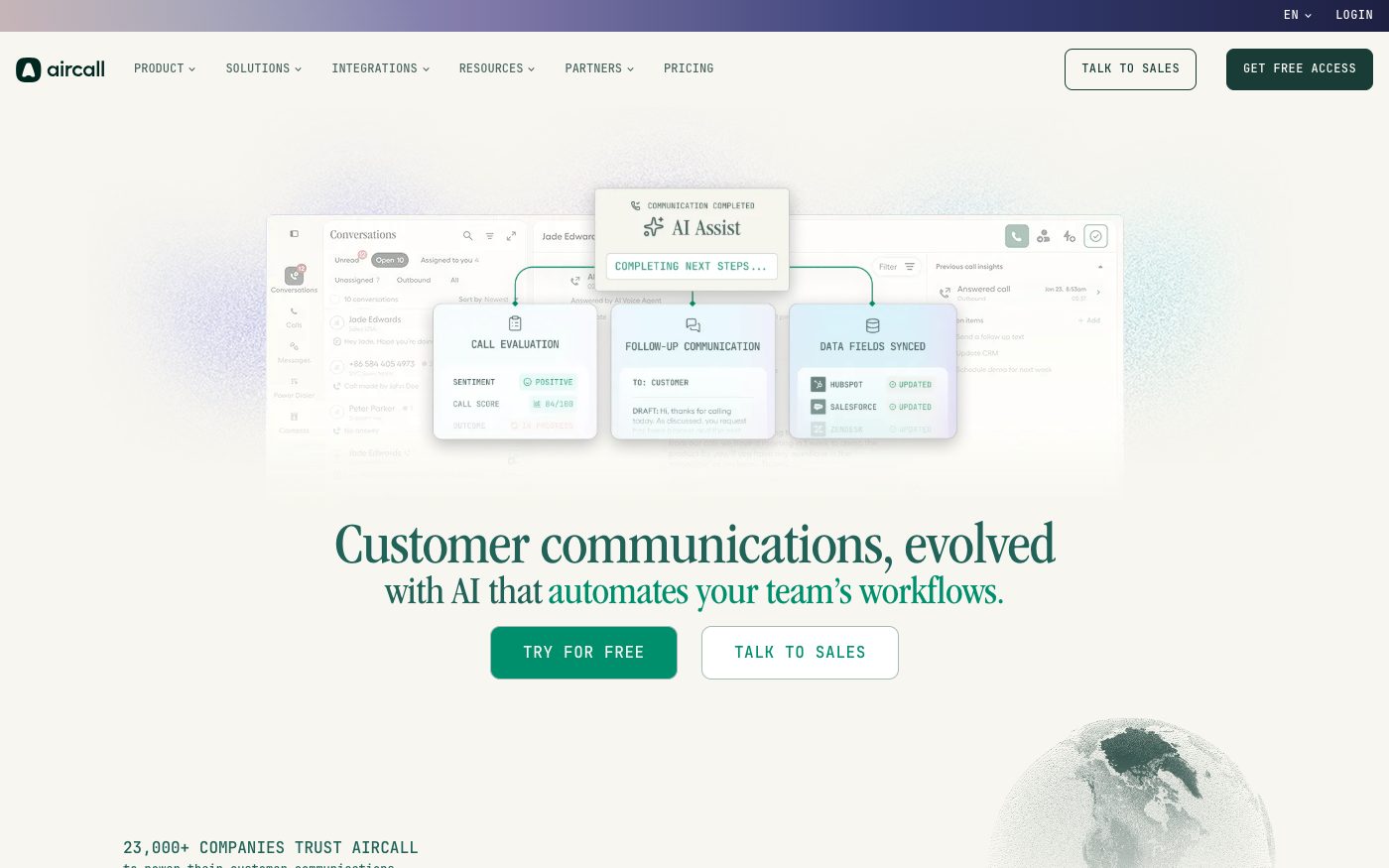
After the connected CRM opens the right client card automatically as the call comes in.
 IP telephonyEU
Cloud calling that plugs straight into the tools your sales and support team already use
Aircall is a French cloud calling system built to sit inside other business tools rather than stand alone. We connect it to your CRM or helpdesk so an incoming call opens the right client card by itself, and set the connection to notify your other systems the moment something happens on a call — instead of anyone switching between a separate phone app and their everyday tools.
Before the manager doesn't know who's calling until they pick up.
After the connected CRM opens the right client card automatically as the call comes in.
Before sending too much at once risks hitting the ceiling for the whole company and stalling the connection for everyone.
After the connection is designed to stay under the per-minute company limit and slow itself down before it's blocked.
Before sharing one permanent key with every tool that needs access looks risky if any of them is ever compromised.
After a full sign-in style connection or a narrower key is chosen for the specific task, and either can be revoked on its own.
Before other systems wait, unaware that anything happened until someone checks manually.
After Aircall notifies them the moment the call ends, so records update on their own.
For those who want to check: each point links to the official documentation page it comes from.
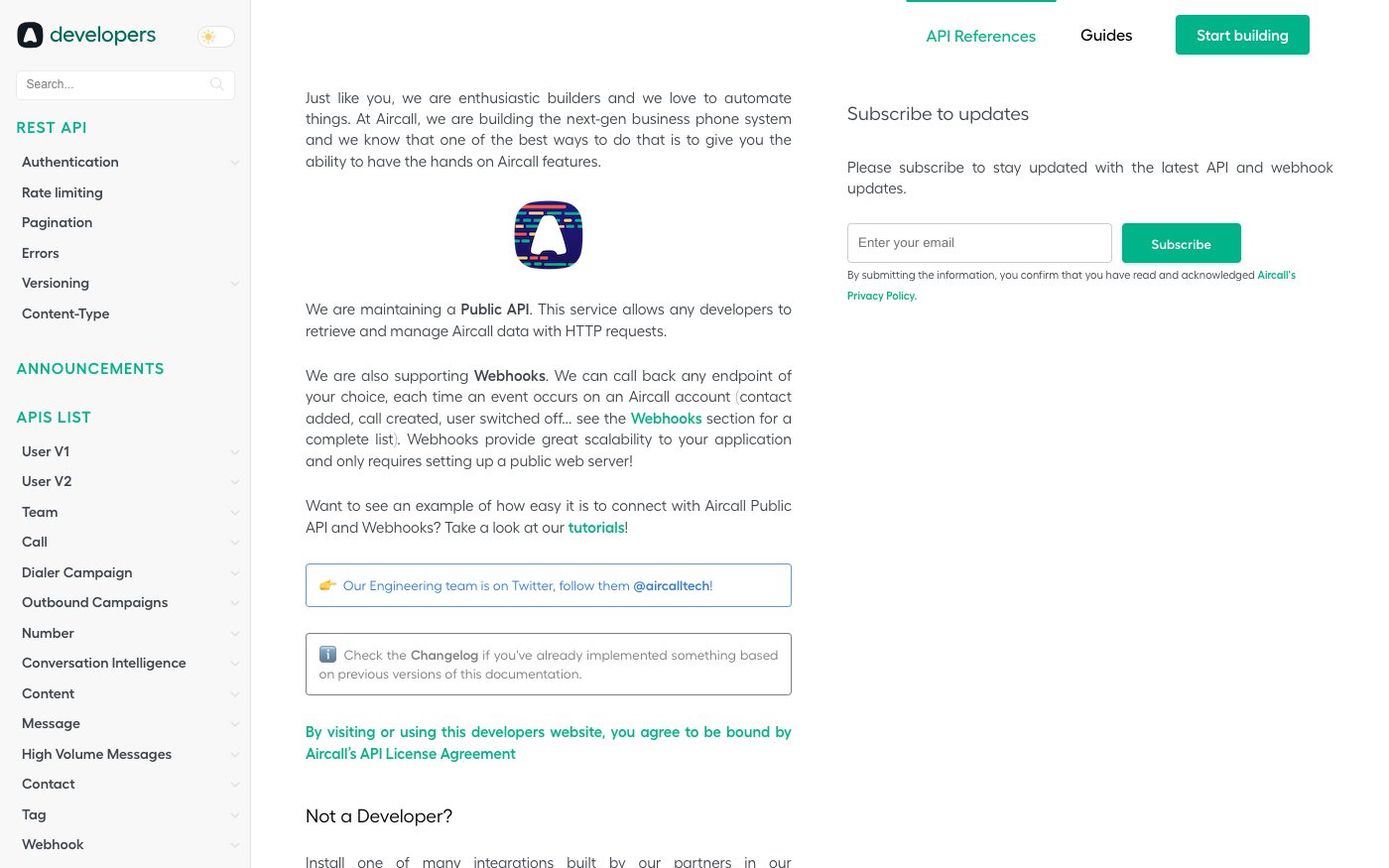
Aircall's public interface has a single fixed address and only works over a secured (HTTPS) connection — unsecured requests aren't accepted at all.
Source: developer.aircall.io ↗ checked 2026-09-25There are two ways to authenticate a connection to Aircall's public interface: a full sign-in style connection or a simpler key-and-secret pair.
Source: developer.aircall.io ↗ checked 2026-09-25The access key needed to connect is created once in the company's account settings, and its secret part is shown only at that moment — Aircall doesn't store it in a retrievable form afterward.
Source: developer.aircall.io ↗ checked 2026-09-25Aircall limits its public interface to 120 requests per minute, and that ceiling is shared across the whole company account, not split per key or per person.
Source: developer.aircall.io ↗ checked 2026-09-25Once the limit is reached, Aircall's response includes details on how much of that key's allowance is used, how much remains and exactly when the count resets.
Source: developer.aircall.io ↗ checked 2026-09-25Aircall notifies an external system about call events as they happen — call started, answered, hung up, ended, voicemail left — and sends recording links in a separate event, since they may be missing when the call ends.
Source: developers.aircall.io ↗ checked 2026-09-29Each call carries its duration in seconds and, if recording is turned on for the number, a direct link to the mp3 recording — valid for only 1 hour (the short link for 3 hours), so the file has to be saved right away.
Source: developers.aircall.io ↗ checked 2026-09-29A contact can be created in Aircall through the API; a phone number is required, and a contact created this way is automatically shared across the whole company.
Source: developers.aircall.io ↗ checked 2026-09-29The connection is capped at 120 requests per minute for the whole company account, not per person or per key — busy periods need to be designed around that shared ceiling.
Three steps from a first message to work on your project.
Describe the task in the form — in text or by voice. Budget and timing are optional.
A developer studies the brief, asks about anything unclear and sends an estimate.
Once scope and price are agreed, the work begins.
or write to info@coreviaflow.space
Describe the task in text or a voice message. We look at your setup and reply with a plan.
Four services people come to us for most often. Each page explains what we do, how the work goes and where to start.
Choose the system, set up the pipeline, migrate data, train the team.
Learn more →Accounting, telephony, website, payments and messengers feed the CRM on their own.
Learn more →Orders, requests and answers around the clock, straight into your CRM.
Learn more →Flows between CRM, email, spreadsheets, payments and AI, on your own server.
Learn more →↔
Every Aircall call lands on the right HubSpot contact with its recording, notes and outcome
See scenarios →↔
Every Aircall call becomes a Salesforce record with its duration, and the recording is saved before its link expires
See scenarios → IP telephonyUS
Calls, texts and messages built into your own systems — instead of a separate phone app nobody checks
See scenarios → IP telephonyUS
Business calls, texts and video in one connected system — synced with what your team already uses
See scenarios → IP telephonyUA
IP telephony with ready-made CRM links and one-click calling
See scenarios → IP telephonyUA
IP telephony with ready CRM connections and call alerts at the exact moment you need them
See scenarios → CRMEU
CRMEUThe deal-focused CRM: connect it once, and deals, contacts and follow-ups keep themselves in sync
See scenarios → IP telephonyEU
European telephony with ready CRM connections and live call event alerts
See scenarios →Implementation · Development · Integrations →
Aircall is a trademark of its owner. CoreviaFlow is not affiliated with it unless stated otherwise. Screenshots are taken from public vendor materials; the source is shown under each one.