CoreviaFlowCOREVIAFLOWDIGITAL PROJECT COMPANY Leave a request
EN UA RU
Accounting & ERPUS

Oracle NetSuite integration & automation

A won deal in the CRM becomes a customer and a sales order in NetSuite, invoices and payments come back to the deal, and the sales team never has to ask accounting 'has this been paid?'.

NetSuite is where the finance team lives: customers, orders, invoices, stock and the general ledger. The sales team lives in the CRM. Between them sits a person who retypes orders, chases invoice numbers and answers the same question about payments ten times a day. The connection removes that person from the loop: a won deal creates the customer and the sales order in NetSuite with the same lines, the invoice and payment status travel back into the deal, and stock levels from NetSuite show on the product card while the manager is still on the phone.

What we connect

  • Your NetSuite administrator switches on the outside-access feature in the account settings and accepts Oracle's terms for it. Without this step nothing outside NetSuite can read or write a single record, so it comes first.
  • We create a separate role for the connection with only the rights it needs — customers, sales orders, invoices, items and payments — instead of the administrator role. Oracle itself advises against giving integrations the administrator role, and so do we.
  • Access is granted by keys tied to that role, not by anyone's login and password. Oracle recommends its newer key method, we use it, and the keys can be revoked in NetSuite without touching any employee's account.
  • We map the fields both ways: CRM company and contact to NetSuite customer, CRM products to NetSuite items, deal lines to sales-order lines, your custom fields to NetSuite custom fields — NetSuite treats custom records the same as standard ones, so nothing has to be squeezed into a comment.
  • We agree the moment: which deal stage creates the sales order, whether the customer is created earlier, and who in finance approves the order before it is invoiced. The CRM does not invoice anyone by itself.
  • Every write to NetSuite carries a unique mark, so if the network drops and the request is sent again, NetSuite recognises it and does not create a second order or a second customer.
  • Reports for management — revenue by manager, unpaid invoices by client, stock by warehouse — are pulled from NetSuite with its own query language and shown in the CRM, so the sales team sees finance figures without a NetSuite seat.
  • We load the history for the period you choose, run a week in parallel with the old routine, compare every order and invoice line by line with your accountant, and only then switch the retyping off.

Automation scenarios

01

A won deal is a sales order in NetSuite the same minute

Before the manager closes the deal, writes to accounting, accounting retypes twelve lines into NetSuite the next day and mistypes one quantity.

After the deal moves to 'won', the customer is found or created in NetSuite, the sales order appears with the same lines and prices, and accounting only approves it.

02

'Has it been paid?' is visible in the deal

Before the manager asks accounting on the messenger, accounting opens NetSuite, finds the invoice, replies in half an hour.

After the invoice number, amount, due date and payment status sit on the deal card, updated from NetSuite several times an hour, and the manager reminds the client about an overdue invoice without anyone in between.

03

Stock from NetSuite on the product card

Before the manager promises delivery next week, then learns from the warehouse that the item is on back-order.

After the quantity on hand per warehouse from NetSuite shows next to the product in the CRM, and the manager quotes a date the warehouse can keep.

04

One customer, one record, in both systems

Before the same company exists three times in NetSuite with different spellings, and reports by client are useless.

After the CRM record and the NetSuite customer are linked by a stable key, a change of address or requisites in one place appears in the other, and duplicates stop being created because repeated requests are recognised.


How it works technically

For those who want to check: each point links to the official documentation page it comes from.

  • NetSuite gives outside systems an official interface for working with its records — customers, orders, invoices, items — as an extension of its SuiteTalk platform.

    Source: docs.oracle.com ↗ checked 2026-09-28
  • Through that interface records can be created, read, updated and deleted, and custom records and fields are handled the same way as standard ones.

    Source: docs.oracle.com ↗ checked 2026-09-28
  • For reports NetSuite offers SuiteQL, a query language based on SQL, which can pull summaries across any records.

    Source: docs.oracle.com ↗ checked 2026-09-28
  • Long operations can run in the background: the request goes into a queue and the result is collected later, so a large history load does not block the connection.

    Source: docs.oracle.com ↗ checked 2026-09-28
  • NetSuite has built-in protection against duplicates: a repeated request with the same unique key does not create a second record.

    Source: docs.oracle.com ↗ checked 2026-09-28
  • Outside systems cannot sign in with an employee's login and password; access is by keys, and Oracle names its newer key method as the preferred one.

    Source: docs.oracle.com ↗ checked 2026-09-28

Limits

Outside access must be switched on in your NetSuite account by an administrator, who also accepts Oracle's terms, and the role used by the connection must have the right permissions — Oracle advises against using the administrator role for this, so we set up a dedicated one. A single request cannot exceed 104 megabytes and a report query returns at most 100,000 rows, so large history loads are split into parts. How many background jobs NetSuite processes at once depends on the SuiteCloud Plus licences on your account, and heavy background traffic can slow the scripts running inside NetSuite, so bulk loads are scheduled outside working hours. For analytics on very large volumes Oracle points to its own SuiteAnalytics Connect rather than to queries. NetSuite is licensed and priced by Oracle; we do not resell it and cannot change your licence terms.

Screenshots

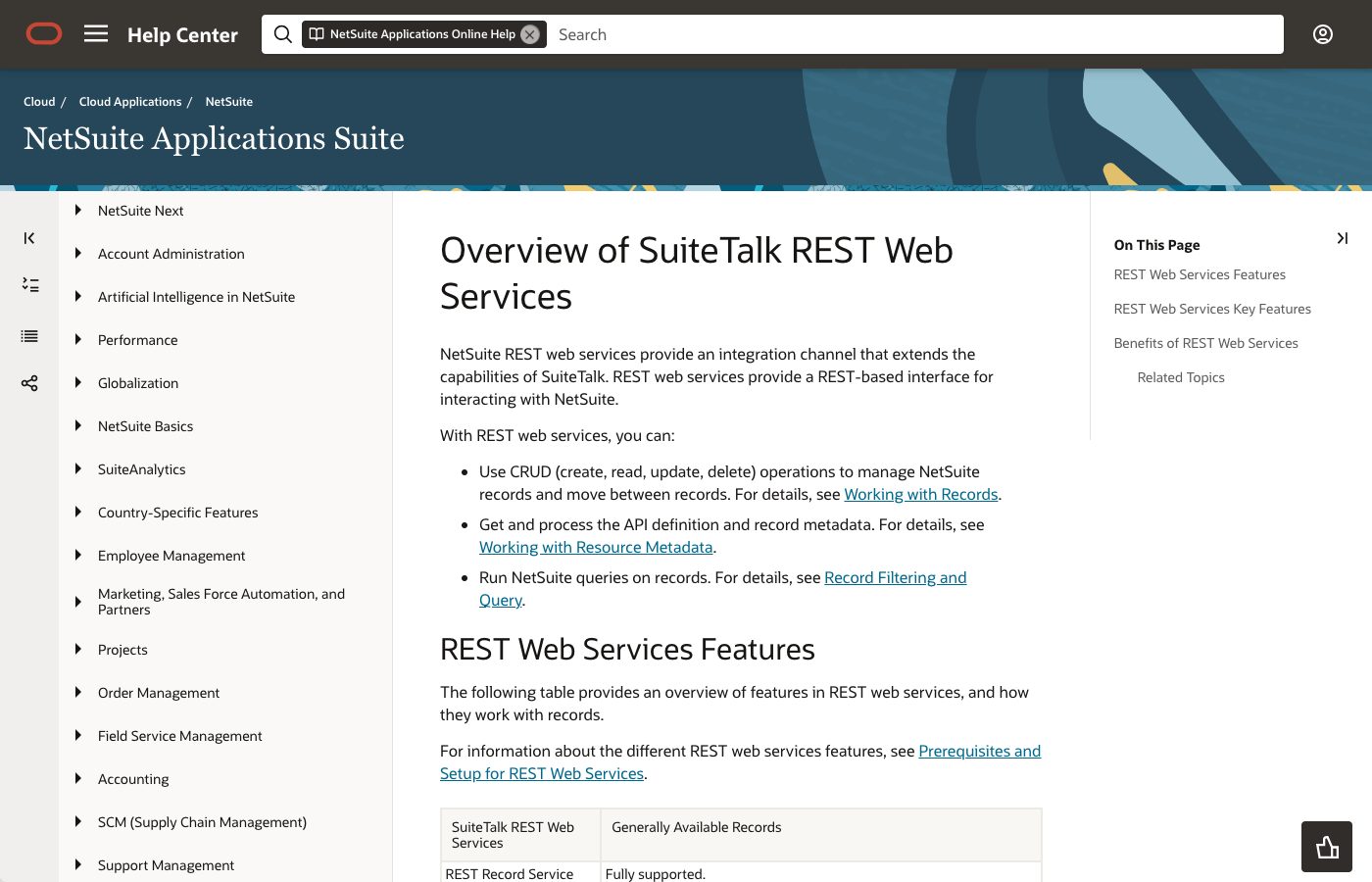
NetSuite help page: overview of SuiteTalk REST web services
Oracle's help page on NetSuite web services: the channel we use to create customers and sales orders. Source: docs.oracle.com ↗
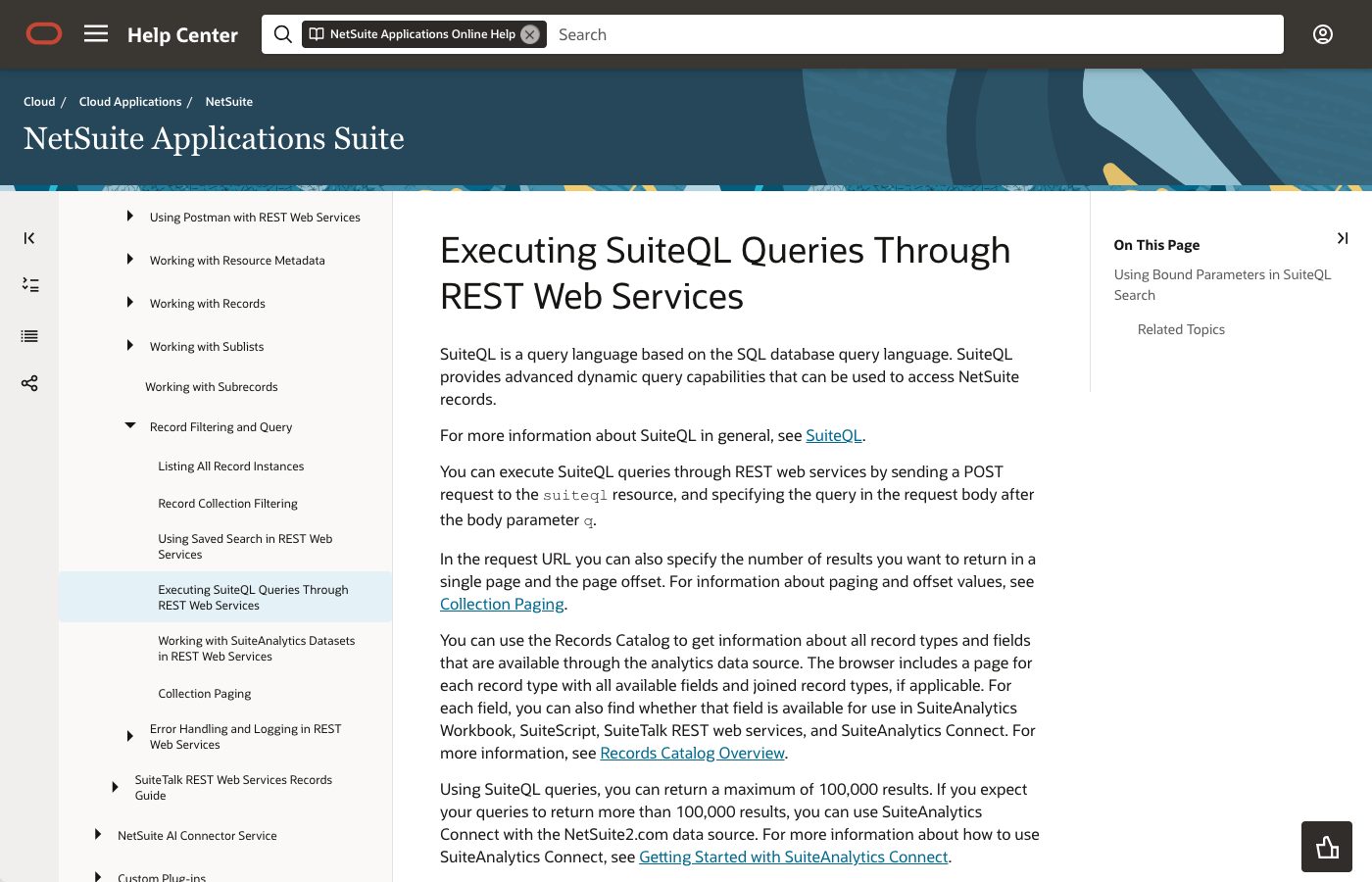
NetSuite help page on running SuiteQL queries through REST
NetSuite's query language: this is how we read invoices, payments and stock for the CRM, up to 100,000 rows per query. Source: docs.oracle.com ↗

How to start

Three steps from a first message to work on your project.

  1. 01

    Leave a request

    Describe the task in the form — in text or by voice. Budget and timing are optional.

  2. 02

    We review and estimate

    A developer studies the brief, asks about anything unclear and sends an estimate.

  3. 03

    We start

    Once scope and price are agreed, the work begins.

or write to info@coreviaflow.space

Questions

Will the CRM issue invoices in NetSuite by itself?
Only if you decide so. By default the CRM creates the customer and the sales order, and a person in finance approves the order and turns it into an invoice in NetSuite, as they do now. The invoice then travels back to the deal. If your process allows automatic invoicing for certain order types, we switch that on for those types only.
Our NetSuite has a lot of custom fields and records. Is that a problem?
No. NetSuite handles custom records and fields through the same interface as standard ones, so we map them field by field at the start. What matters is that you tell us which of them the sales team really needs — carrying all of them into the CRM only clutters the card.
Do our salespeople need NetSuite licences?
Not for what the connection shows them. Invoice status, payments and stock appear in the CRM; the connection works under one dedicated NetSuite role. Whether that role needs its own seat under your contract is a question for your Oracle account terms, which we do not change.
What happens if NetSuite is unavailable for an hour?
Deals keep being closed in the CRM; the orders queue up and are sent when NetSuite answers again. Because every request carries a unique mark, a resend after a failure does not create a duplicate. The manager sees 'waiting for NetSuite' on the deal instead of a silent gap.

Tell us what needs to be connected

Describe the task in text or a voice message. We look at your setup and reply with a plan.